 Chronicle
Your computer's recent history, as context for any agent
Chronicle records your screen and system events on your own machine, turns them into a knowledge graph of apps, pages, files, tickets, people, and tasks, and serves that graph to LLM agents over MCP. When you ask an agent to "finish the Acme export", it can see the file you had open, the PR waiting on review, and the spec you read an hour ago.
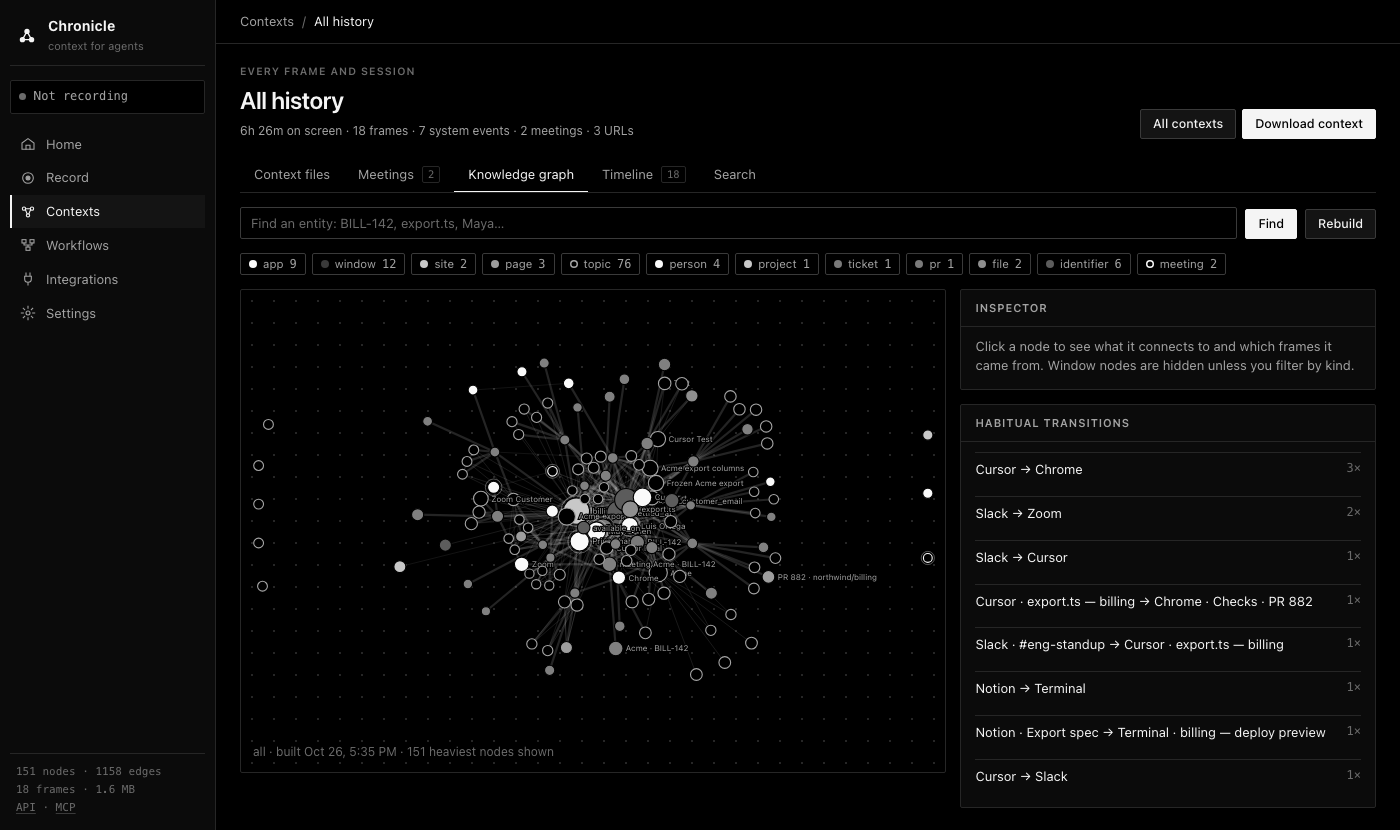
The all-history knowledge graph for the synthetic sample workday that chronicle demo loads. No real screen data is shown on this site.
Try it in a minute
You need uv and Python 3.10 or newer. The demo loads a synthetic workday, so you can see what an agent receives before recording anything.
uv tool install "chronicle-context[graph]"
chronicle demo
chronicle context "finish the Acme export"
chronicle mcp install cursor        # or claude-desktop, claude-code, codex, vscode, gemini-cli, ...
chronicle context prints the same Markdown that an agent gets from the get_context tool. On the sample workday it starts like this:
# Computer context (Chronicle)
Task: finish the Acme export

## What you were doing
- 15:34-15:56 writing Acme Export spec · amount_usd (22m) [topic 1]
- 16:28-16:48 coding export.ts · amount_usd (20m) [topic 2]
- 16:50-17:02 coding Checks passed · Merge (12m) [topic 3]

## On screen now
- Chrome · Checks · PR 882 at Sun 16:50 (frame 18)
- URL: https://github.com/northwind/billing/actions

## Knowledge graph (all)
- [topic] Acme export (`topic:acme-export`, 1h58m, frames 18, 16, 13)
- [pr] PR 882 (`pr:882`, 2h42m, frames 18, 17, 16)
- [file] export.ts (`file:export.ts`, 1h48m, frames 17, 11, 6)
What it's for
Pick up where you left off
The agent sees what you were editing, reading, and waiting on, so a short instruction is enough.
Teach by showing
Record yourself doing a task once. The agent gets the apps, pages, and steps in order and can repeat them.
Context for tools without MCP
Export a recording as a Markdown context file, JSON, GraphML, or Cypher for ChatGPT or Claude Projects, NotebookLM, Neo4j, or a RAG pipeline.
How it works
Record. Every 5 seconds by default, Chronicle samples the front app and window, the browser URL, screen text from the Accessibility tree or OCR, and a screenshot, and logs app switches, URL changes, clipboard copies, and idle time. Keystrokes are never recorded. Password managers, System Settings, and private browsing windows are skipped, and emails, API keys, JWTs, and card numbers are redacted before anything is written.
Build the graph. Each recording becomes a graph shard of apps, pages, searches, topics, files, tickets, PRs, people, projects, and tasks. Every node and edge records how long you spent on it and which frames it came from, so an agent can cite its evidence. The all-history graph weights recent shards more (a 72-hour half-life by default). With an OpenAI key, a model also refines each recording, for example recognizing that a name is a company or that a page is a job posting.
Serve. Agents call get_context(task) for a context pack, then drill down with query_graph, search_history, and get_frame, which can return the screenshot itself.
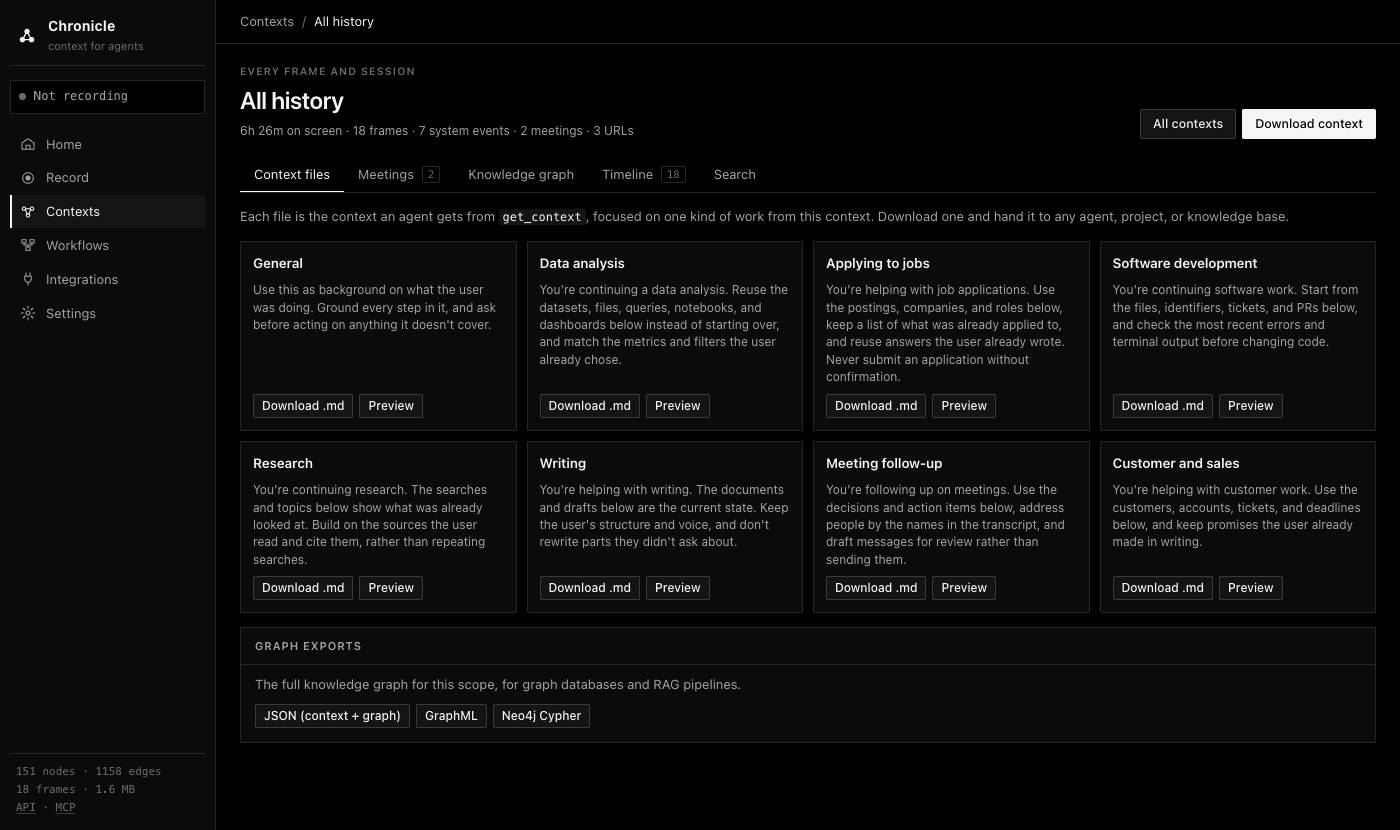
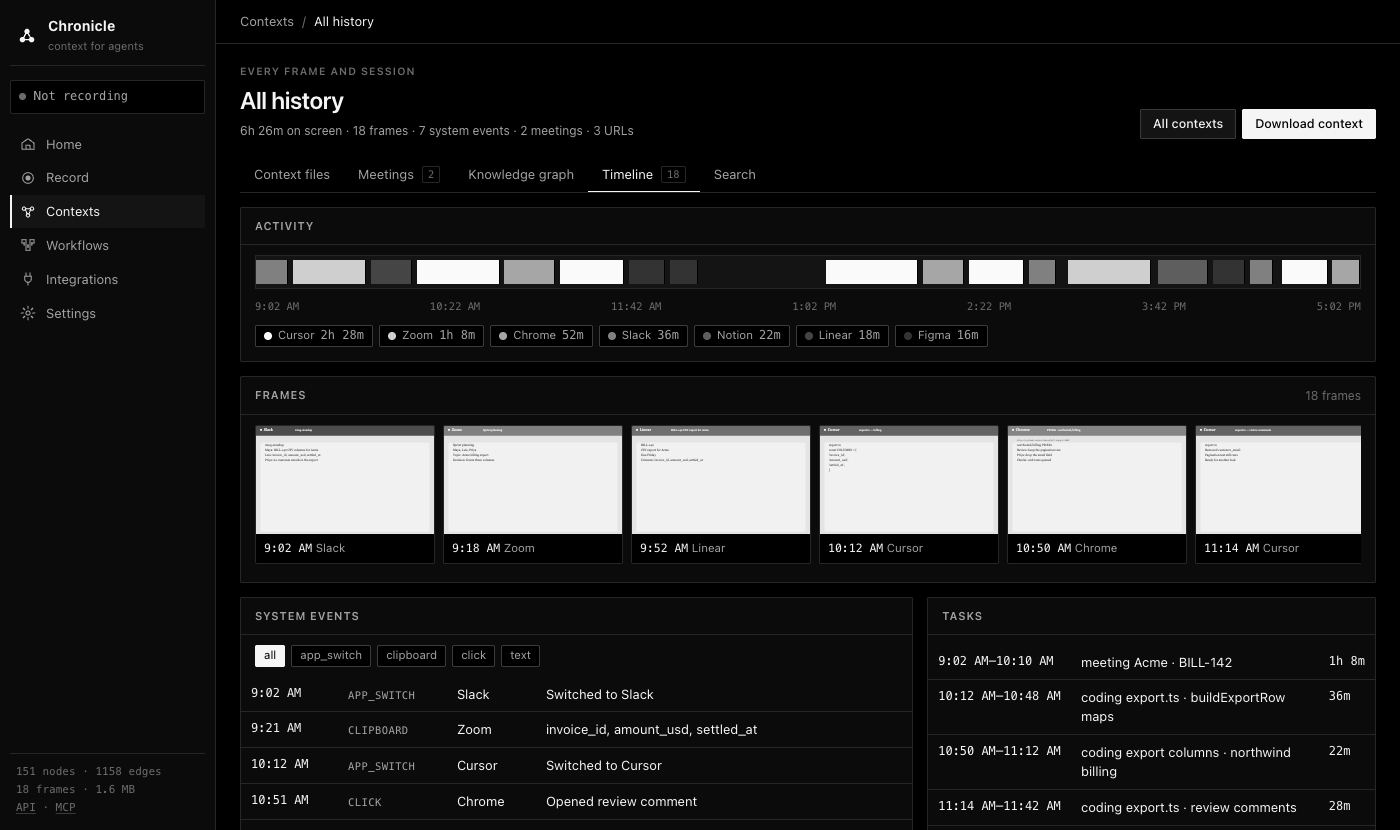
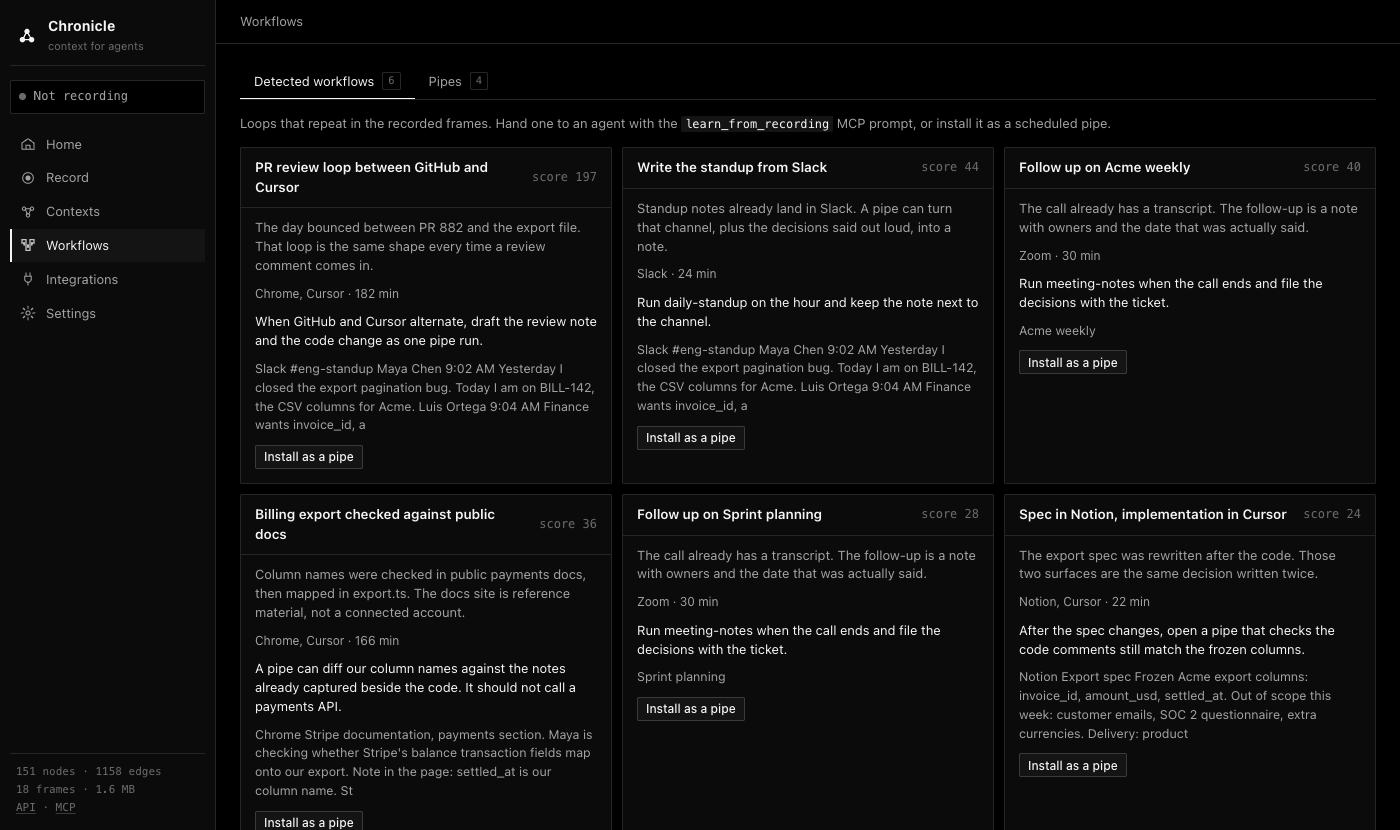
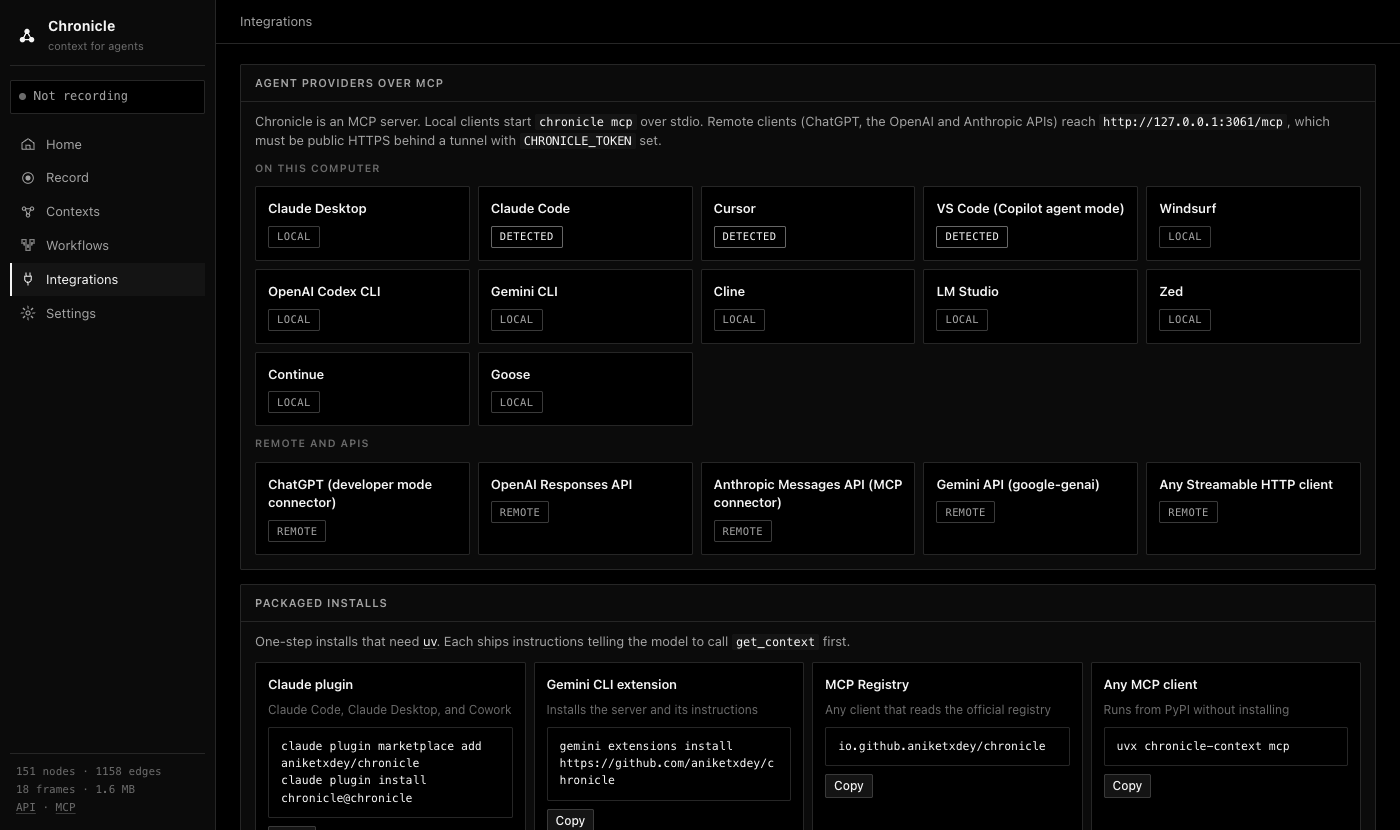
All screenshots show the synthetic sample workday.
Privacy
Everything lives in one local folder (~/.chronicle). There's no account and no telemetry. Data leaves the machine only through tools you connect: an agent receives the tool results it asks for, and when an OpenAI key is available, window titles, URLs, and redacted screen text go to OpenAI for graph refinement. You can switch that off with CHRONICLE_LLM=off. The full policy is in PRIVACY.md.
Platforms
macOS is the main platform. Linux (X11) and Windows capture are best effort; see Install for what each one records.